
Asus Vivobook Perfomance
Just a notes of using Asus Vivibook Pro
Overview
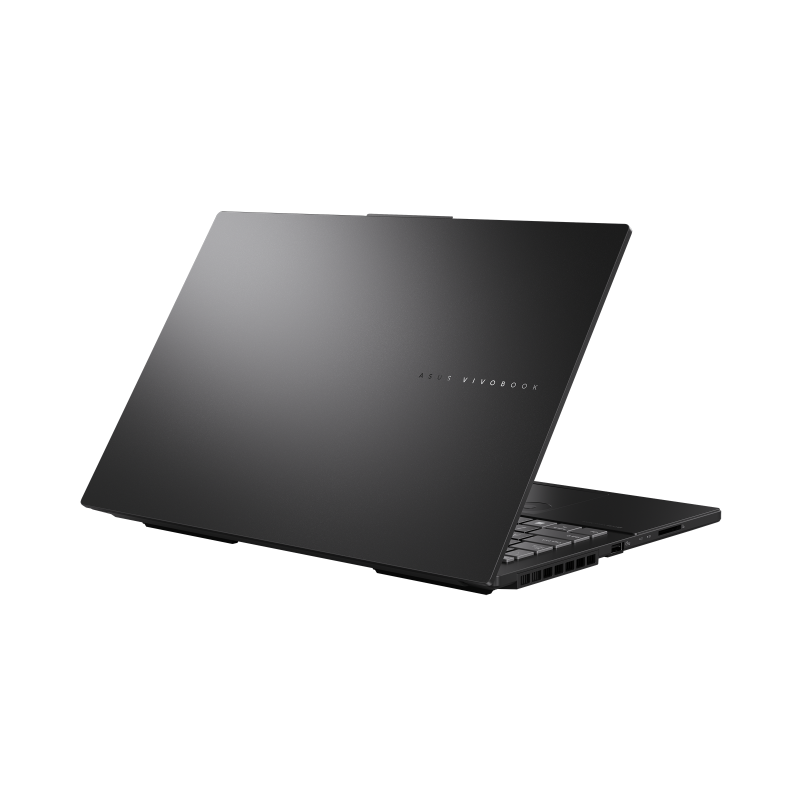
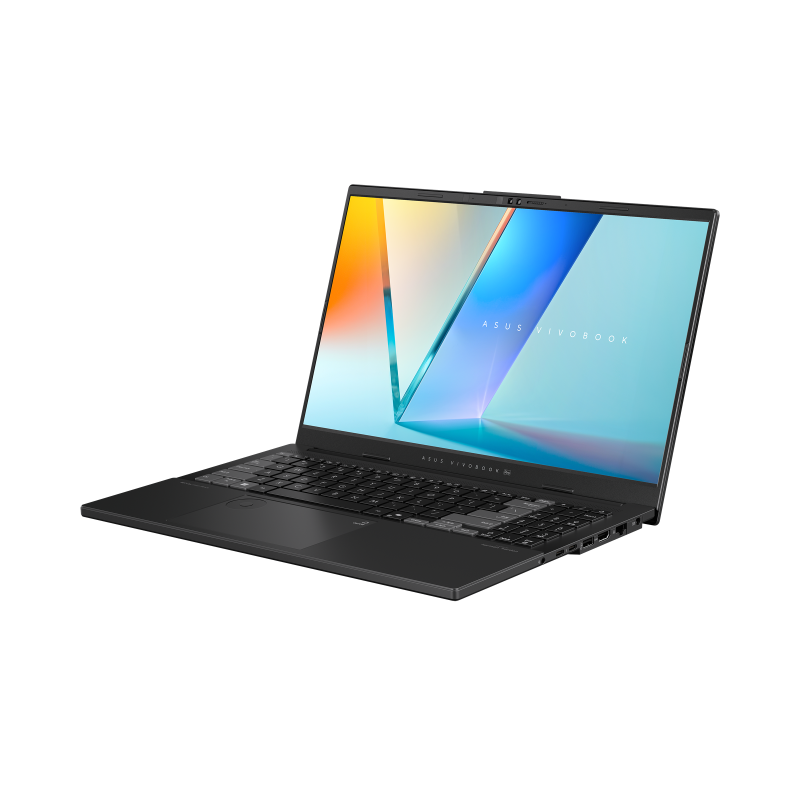
| Name | Model |
|---|---|
| Model | ASUS Vivobook Pro 15 OLED N6506MU |
| CPU | Intel Core™ Ultra 9 185H |
| GPU | Nvidia GeForce RTX 4050 Laptop |
| RAM | 40 Gb, DDR5 5600 MHz |
| NPU | Intel AI Boost, 13 TOPS |
| SSD | 1Tb PCIe 4.0 SAMSUNG MZVMAITOHCLD-OOBTW |
| Price | ~45k UAH or 1.5k USD |
CPU
16 cores, 22 logical processors, up to 5.4GHz
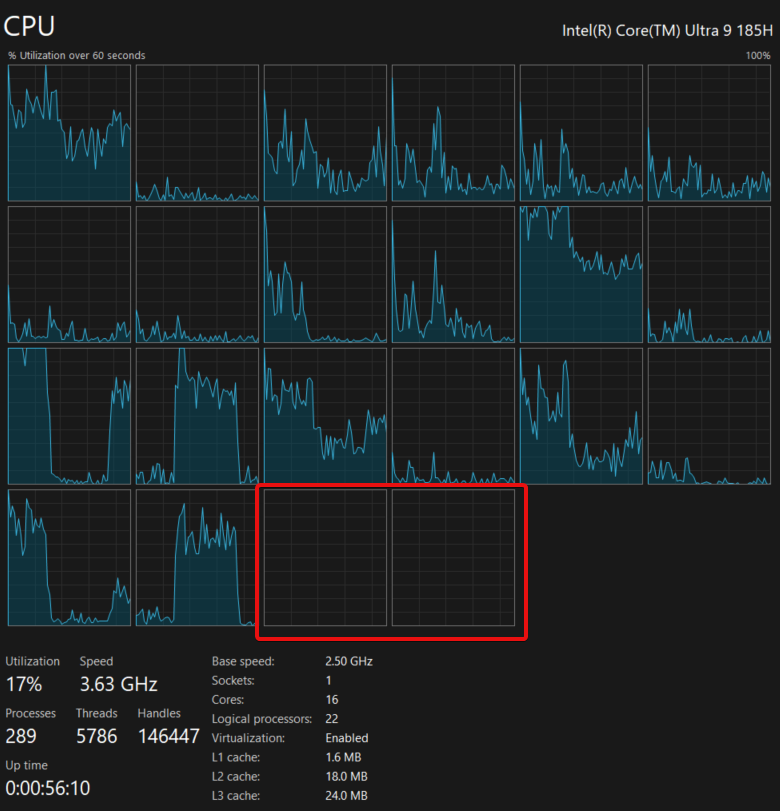
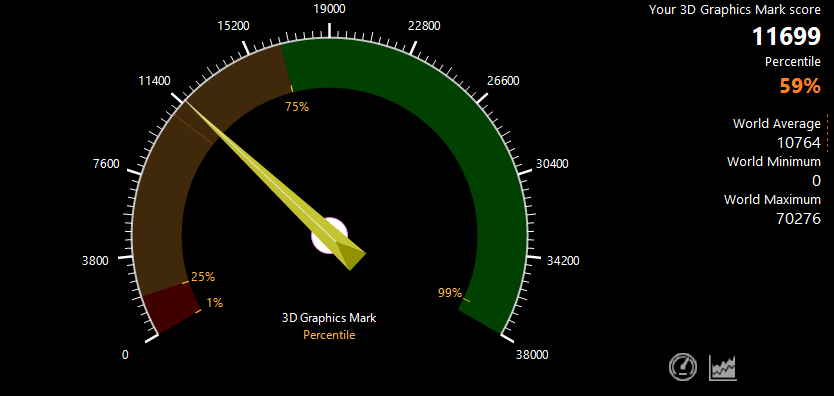
So, this is the performance of using with type-c dock station HP USB-C G5 DOCK connected.
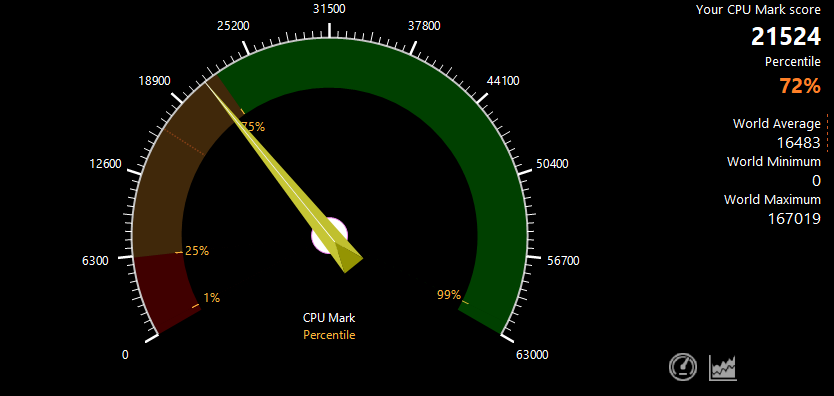
And after I connected 200W power supply
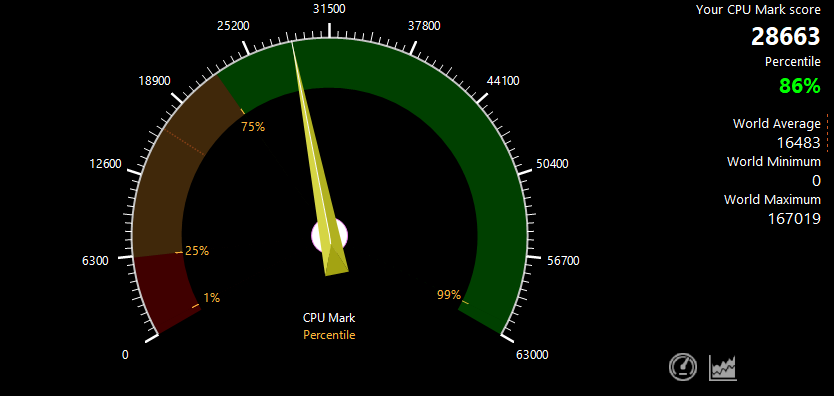
So the difference is 14% ! I’m afraid to run from the battery only.
By the way, two cores are never used
GPU
GeForce RTX™ 4050, GDDR6 6 GB with up to 110W power
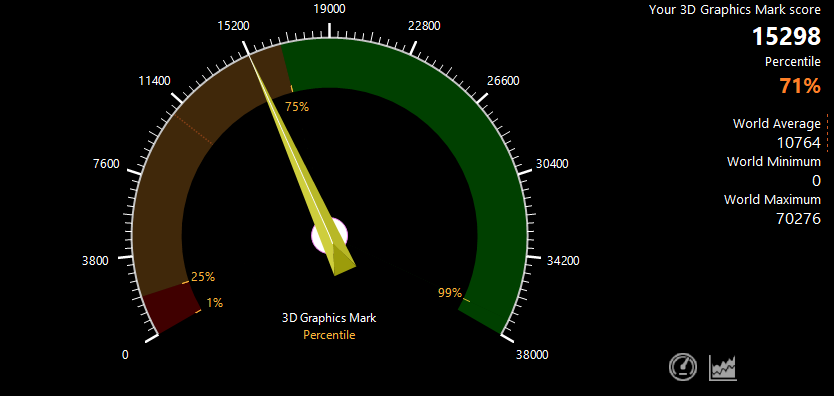
The same is for GPU, better to connect the power supply to use full potential
Type-C only (up to 100W)
 With power supply connected
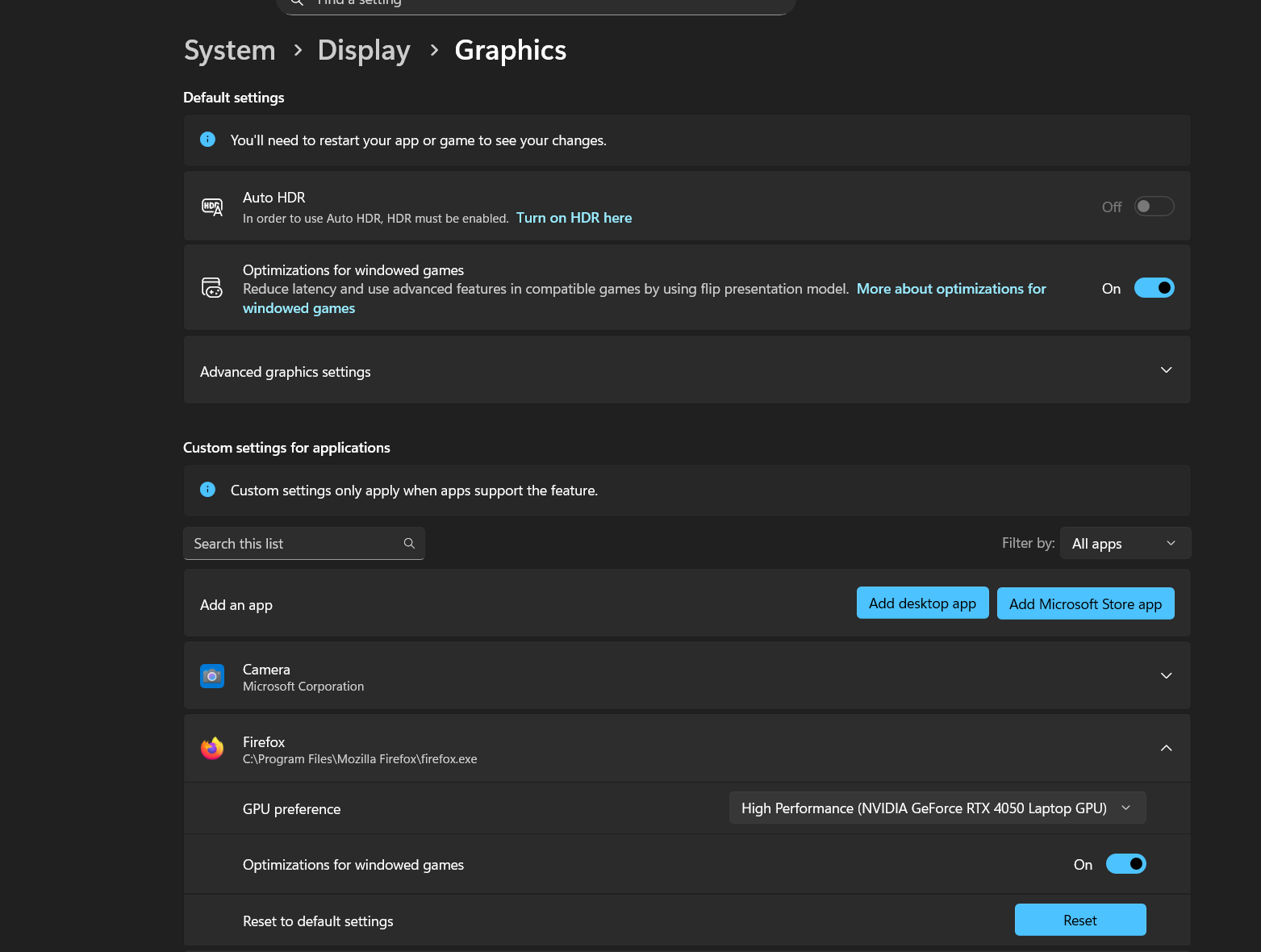
 You have to manually enable GPU for the desired app in windows settings
Conclusion
- The laptop is powerful, the same as my home PC, the price also in the range of the PC build
- To have the full performance you must to connect the power supply
- the fans are loud when work at full speed
Links
Залишити коментар
Вашу адресу електронної пошти не буде опубліковано. Обов'язкові поля позначені *